Try messaging

This is Glitr’s conversation path in the browser: start local-only and Pair now, or connect two mailboxes, add a contact by repo URL, send, poll, watch ticks, and — if both sides stay open — go Live.
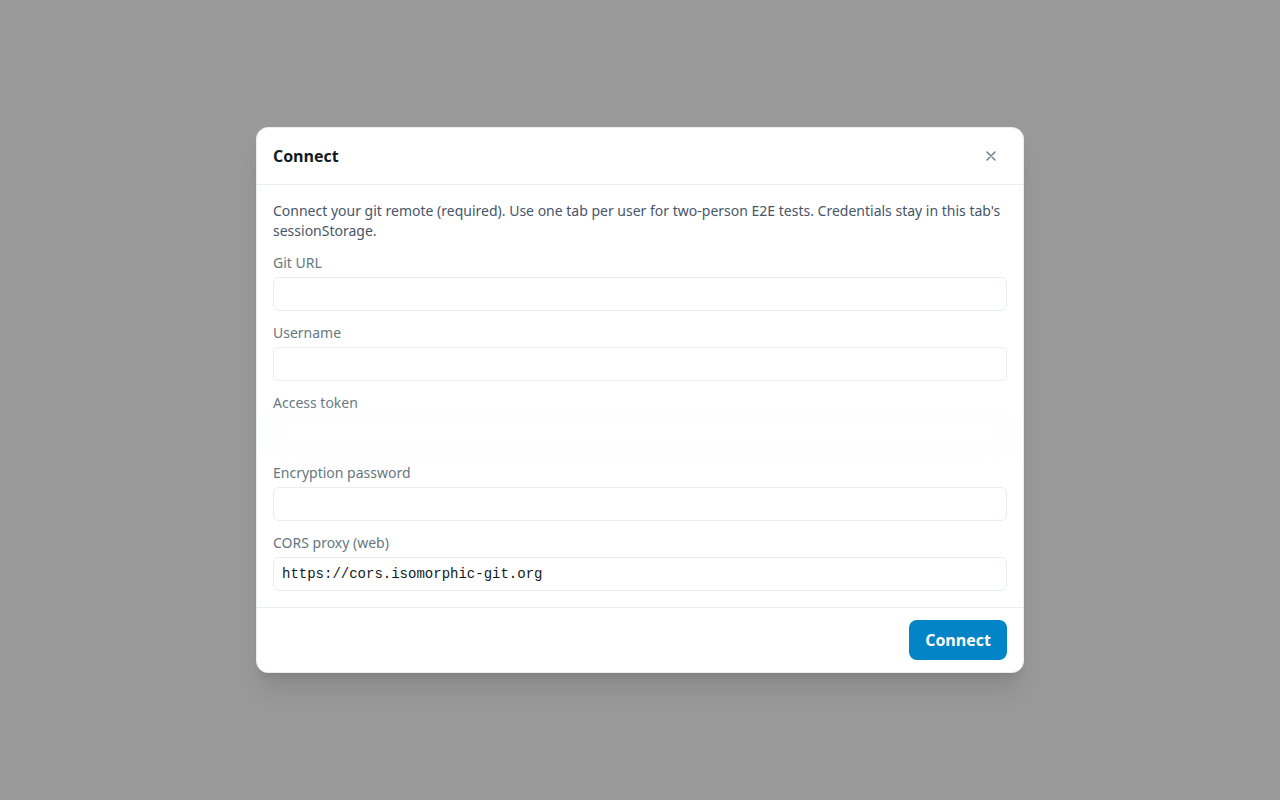
The product app is the messenger. Use two browser tabs. The api-gallery story remains a layer demo of the same client.
Talk now (no remotes)
Follow Talk now: Start on this device in each tab, then Contacts + → Pair now. You do not need git remotes. Closing a tab ends delivery for that pair.
Own a mailbox
Follow Your first conversation with those tabs as Alex and Blair. You will need two git remotes and tokens, the same as production. That is the point: there is no fake network in the middle.
When you are done, live vs offline explains what you just saw. While a 1:1 contact is Live, the paperclip sends a file on that same link (sealed, then chunked; 32 MiB cap). Offline git DMs and groups attach through outbound instead.