Live messages vs offline delivery
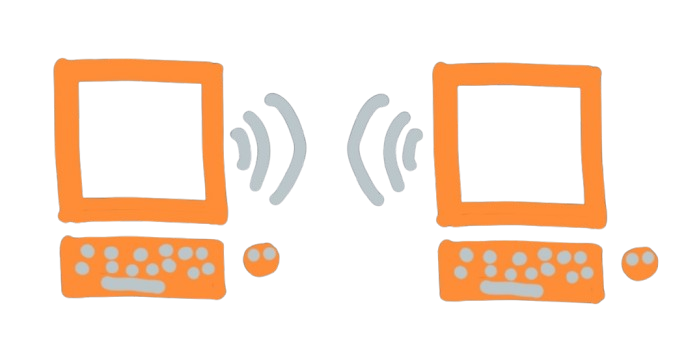
Glitr has more than one way to move a message. You do not pick a mode in settings. The contact row tells you which path the next send will use — and whether git can save you if Live drops.
Offline (git) — the mailbox
This is the path that still works if the other person is asleep — only for git-URL contacts when you have remotes.
- You write encrypted outbound into your repository and push.
- They fetch your repository when they next poll (or when you tap Poll now on their side).
- Delivery is as fast as git hosting and the poll interval — typically seconds, sometimes longer on a slow host or a large clone.
- History remains in the repositories. That is a feature (backup) and a responsibility (the host stores ciphertext).
Use this mental model: email, if email were a git push.
Live — the direct link
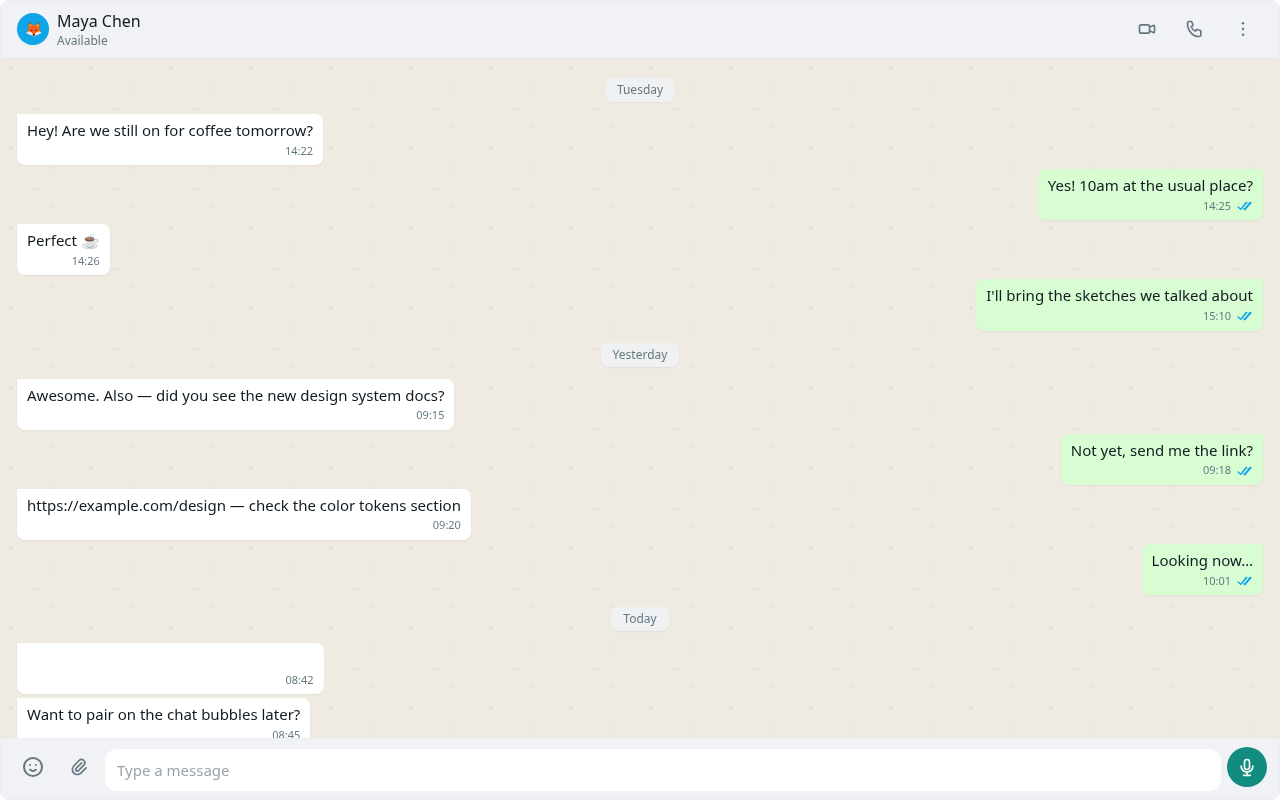
When both apps are open and can form a peer connection, status shows Live. New 1:1 messages and files travel on that link. No outbound row for those lines. Receipts travel on the link too. If Live drops, text and attachments fall back to git for git-URL contacts. Group sends always use the mailbox, even while members are Live.
How you got Live matters:
| How you met | Broker | If the channel drops |
|---|---|---|
| Pair now (QR / paste / NFC) | Out-of-band invite (wu1:) | No git fallback — delivery stops until you are Live again |
| Git URL contact | Git signaling/ on each mailbox | Next send falls back to git |
Use this mental model: you ran into each other in the hallway, so you stop leaving notes on the door — but only the mailbox track still has a door to leave notes on.
What you have to do
Keep both sides open if you want Live. That is the only ritual.
For git-URL contacts you do not start a “call” to send live text. After a poll, status updates by itself. If it stays Connecting with both of you present, the network is not allowing the direct path — git still sends text and attachments.
NAT, corporate firewalls, and some mobile networks fail the direct path and succeed at git. That is expected on the mailbox track. On Pair now, the same network failure means you cannot deliver until ICE works or you switch to git contacts.
What Live is not
Live is a data link for messages and files. Voice and video calls exist on an open live link and are in progress — treat them as experimental, live-only, and not a substitute for the mailbox.
Live also does not replace backups. Messages that only existed on a live link still get local sent/inbox writes; they do not rely on git outbound. Do not assume a host clone contains every live-only line unless you have synced in a way that persisted them.
Going back to git (git-URL contacts)
Close a tab, lose a network, or wait until ICE gives up. The next send uses outbound again. Ticks behave as in Send, receive, and read receipts.
Pair-now contacts do not get that fallback. Re-pair, or add each other by git URL after you have remotes.
More on the handshake: Direct live links.