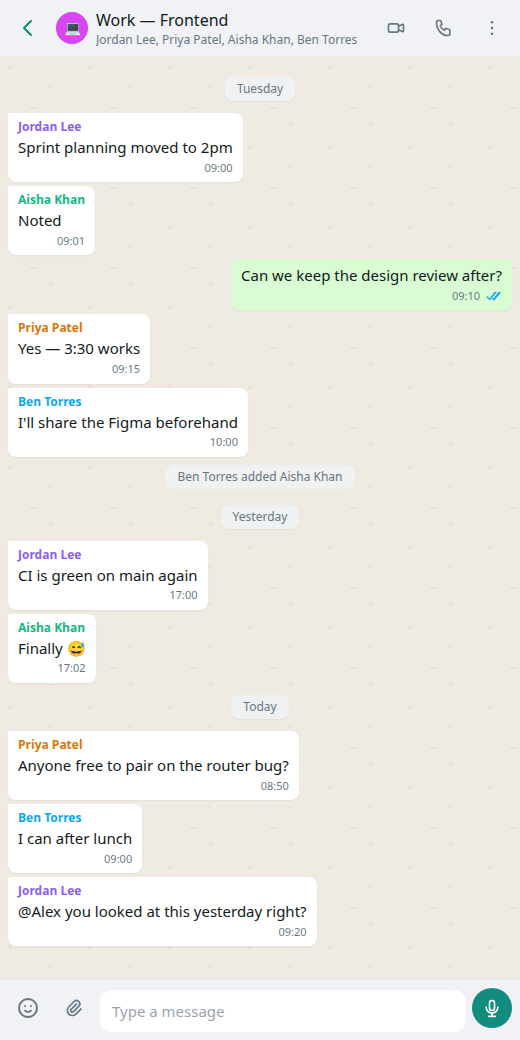
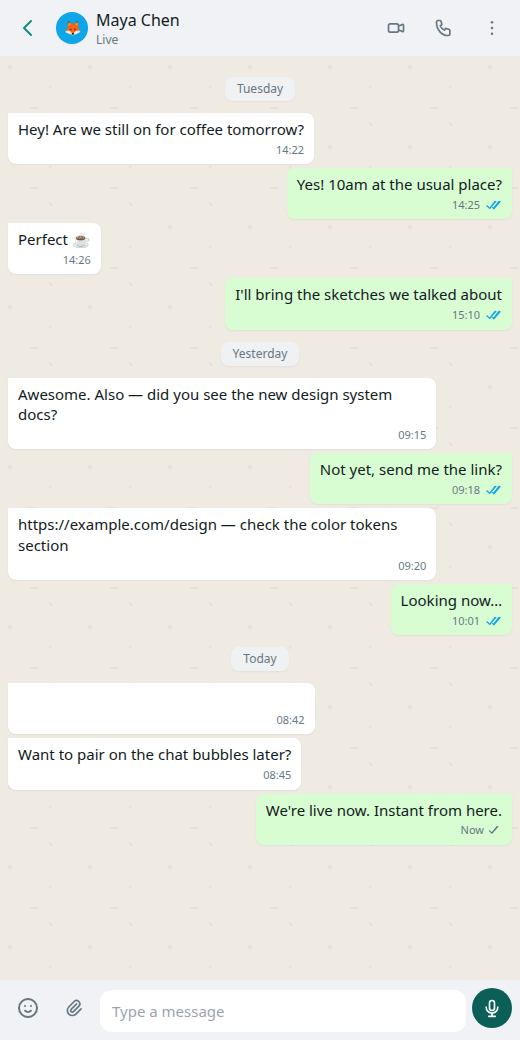



Chat without a company inbox

No Glitr account and no central chat server. Encryption runs on your device; you choose who you talk to.

  • Local AI
  • P2P
  • Git mailbox
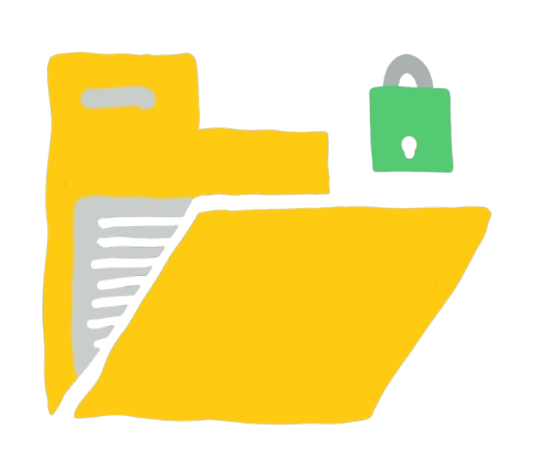
  • encrypted at rest
  • Document editing
  • E2EE

Try a piece below

What can a git host see?

They host encrypted blobs and a few plaintext coordination files (for example read receipts and the live handshake envelope). They cannot read your message bodies if encryption is in place. They can see that the repository is active. Use a host you trust for availability — not for privacy of content.

Why do I need an access token?

Glitr writes to your repository from the app. Hosts require a personal access token with permission to read and write contents. The token stays on your device. We do not operate a login server that stores it.

Why isn’t every message instant?

When the other person is offline, git is the mailbox: write, push, they fetch later. That is seconds, not milliseconds. When you are both online, Glitr opens a live link and messages travel directly. If that link drops, send falls back to git.

What is encrypted vs what a host can see · Terms and privacy

PlatformFileNotes
Webglitr-web.zipPWA — unzip and serve
Linuxglitr-linux.AppImageamd64
Linuxglitr-linux.debamd64
macOSglitr-macos.dmgApple silicon
Windowsglitr-windows.exeinstaller
Androidglitr-android.apksideload APK, debug-signed nightly
iOSglitr-ios.zipunsigned — simulator / local signing
Terminalglitr-tui-linuxx86_64 musl
Terminalglitr-tui-macosmacOS binary
Terminalglitr-tui-windows.exeWindows binary

* This is an unaudited project. The downloads may not work yet.
By using any version of the app, you agree to the terms.

curl -fsSL https://glitr.io/install.sh | bash

Then run glitr. Windows: download glitr-tui-windows.exe.

Your messages. Your repository.

Open Glitr, connect a repo you already control, and send.