Try a live link
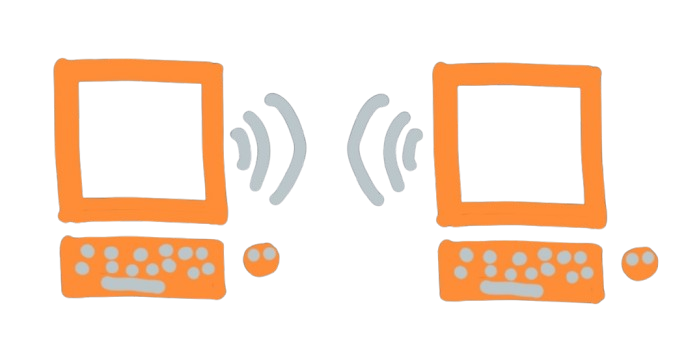
Two browsers, one invite. Scan or paste. When the handshake completes, login, send, pull, and file attach ride a direct data channel — the same class of link Glitr upgrades to when a contact shows Live.
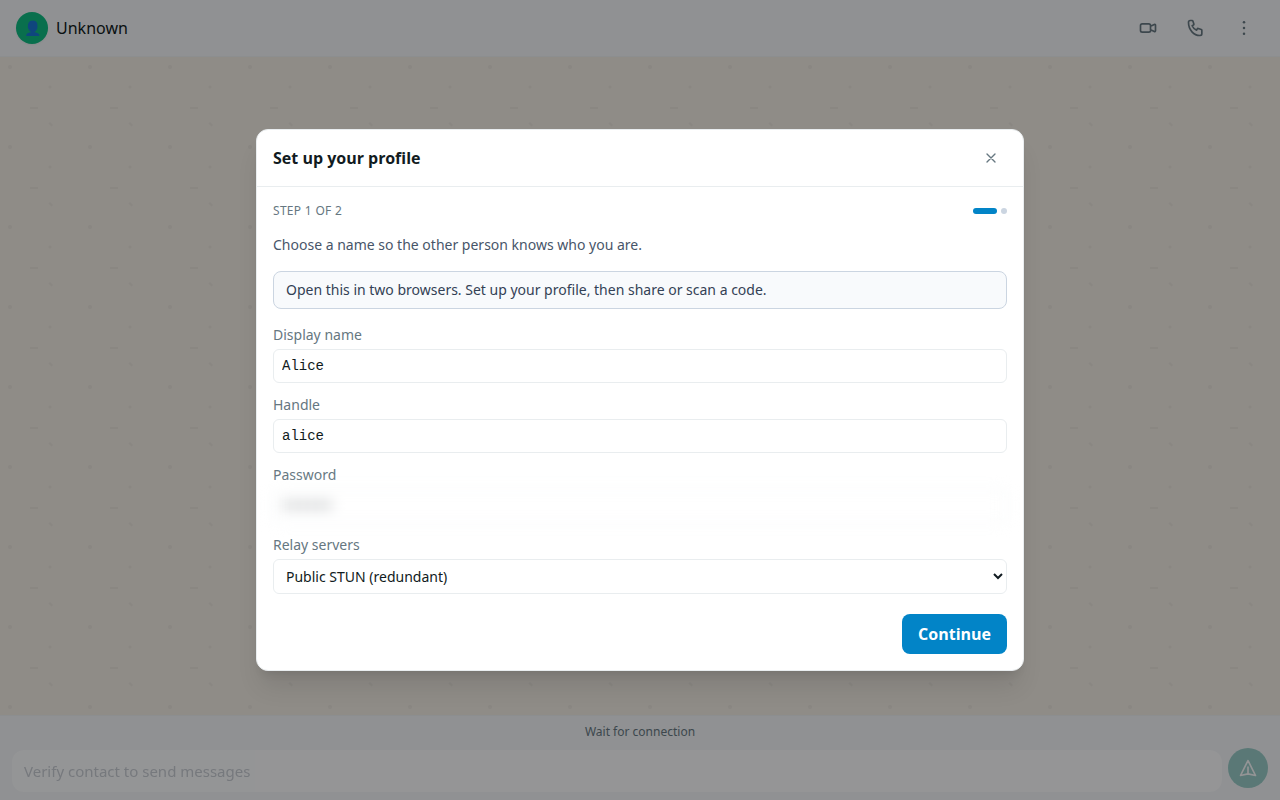
Bring a second phone or a second laptop. QR is the fast path; paste still works.
This walkthrough does not require git remotes. In the full messenger, git is how the invite is published to someone you already added. Here you carry the invite yourself so you can feel the link.
After you are connected, send a line or attach a file (paperclip). The file is sealed with the same cascade as chat, then chunked on the channel — not pushed to git. Soft cap 32 MiB. The bubble shows progress about once a second; you can cancel.
Background: Direct live links.