Talk now
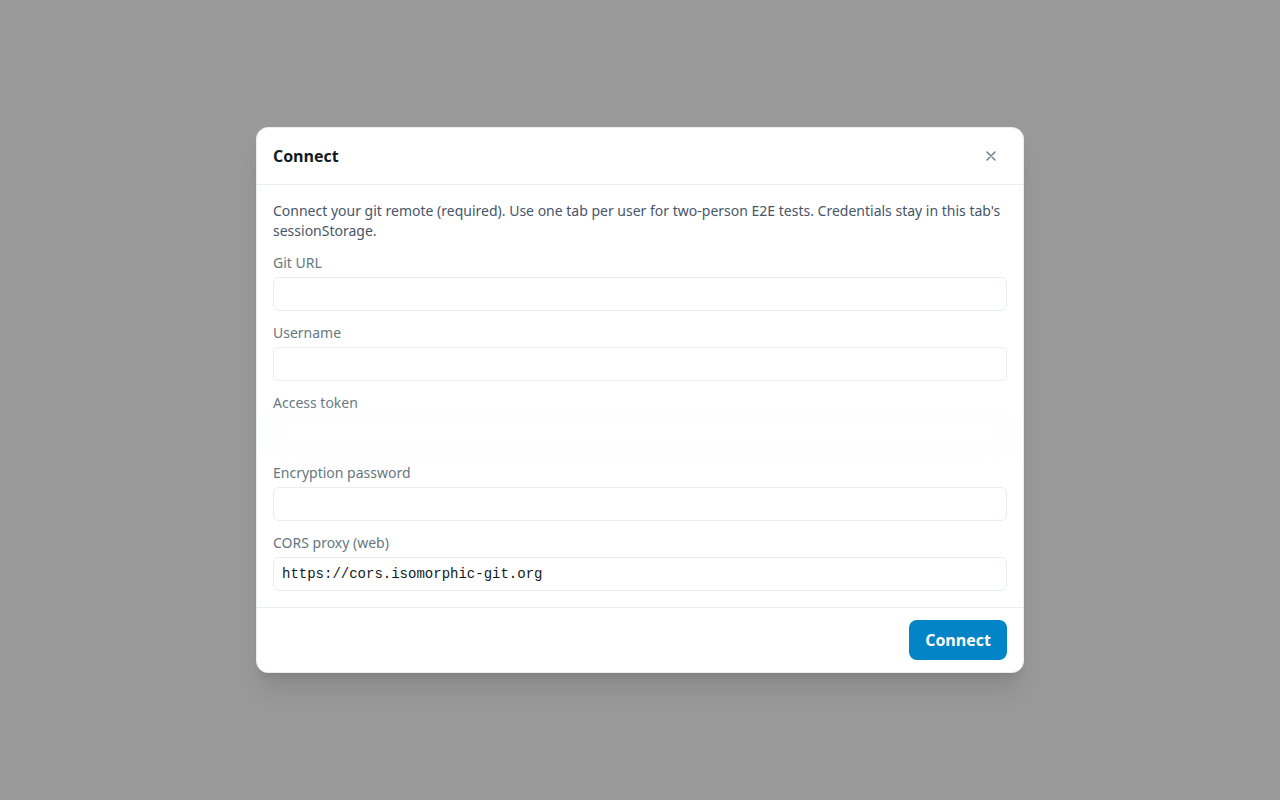
This is the path with no git URL. You start on this device, set a profile, and pair with someone over a live link (QR, paste, or NFC). Both of you must stay open for messages to arrive.
If you need offline delivery or a host backup, use the mailbox track instead (or attach remotes after you have talked).
What you need
- Two people (or two browser tabs) on a secure context (
httpsorlocalhost). - An encryption password on each side. It seals documents in the local workdir. It is not recoverable. Write it down.
- Camera access if you will scan a QR code (paste still works without a camera).
You do not need a git remote, token, or CORS proxy for this track.
1. Start on this device
Open Glitr. On the Connect screen choose Start on this device, set an encryption password, and tap Start.
No git URL is required. On the web, the app keeps a stable local workdir for this device so a refresh can reopen the same history.
2. Profile setup
If prompted, set a display name and handle. Pairing needs a profile id on each side.
3. Pair now
On Contacts, tap +, then Pair now (not Git URL):
- One person taps Connect now and shows or copies the invite (
wu1:— QR, paste, or NFC). - The other scans or pastes the invite; a reply
wu1:appears. - The first person pastes or scans the reply.
- When the data channel opens, each side saves a contact with a live address (
webrtc://…) and status Live.
The same invite / reply panel is on Contact details (P2P) for an existing contact. While that panel is open for that contact, git signaling for that id is paused (relevant once you have remotes).
4. Send while Live
Open the chat and send. Messages, receipts, and files travel on the data channel. Use the paperclip while Live to attach a file (sealed, then chunked; 32 MiB plaintext cap; progress about once a second; cancel and resume if the link drops). There is no git outbound fallback for pair-now contacts: if either tab closes or the link drops, delivery stops until you pair again (or you move to the mailbox track). Files on this pair stay live-only. Git-URL contacts can attach offline.
Logout and refresh
- Refresh (web, same tab, credentials still in session storage) reconnects to the same local workdir.
- Logout while local-only clears the session but does not wipe the local-only workdir (it is the only copy). Log in again with the same password to reopen it.
- After you attach any remote, logout wipe rules match remote-backed sessions.
Next
- Keep using Talk now, or attach a mailbox: Git remotes on Profile.
- Full two-repo path: Your first conversation.
- How Live relates to git: Live vs offline.