Add and verify a contact
A contact in Glitr is a person plus how you reach them. There is no global user search. You either Pair now (live link) or paste a git repository URL they gave you.
Two ways to add
| Path | When | Address | Offline |
|---|---|---|---|
| Pair now | Both of you are online now | Live (webrtc://…) | No git fallback — both must stay Live |
| Git URL | You exchanged repo URLs | Their HTTPS mailbox | Push / poll still works |
For the full Pair now steps, see Talk now. The rest of this page is the Git URL path.
Get their address (git)
They copy a remote URL from Profile → Git remotes (copy icon) and send it to you on a channel you already trust (in person, another messenger, a piece of paper). You do the same with yours.
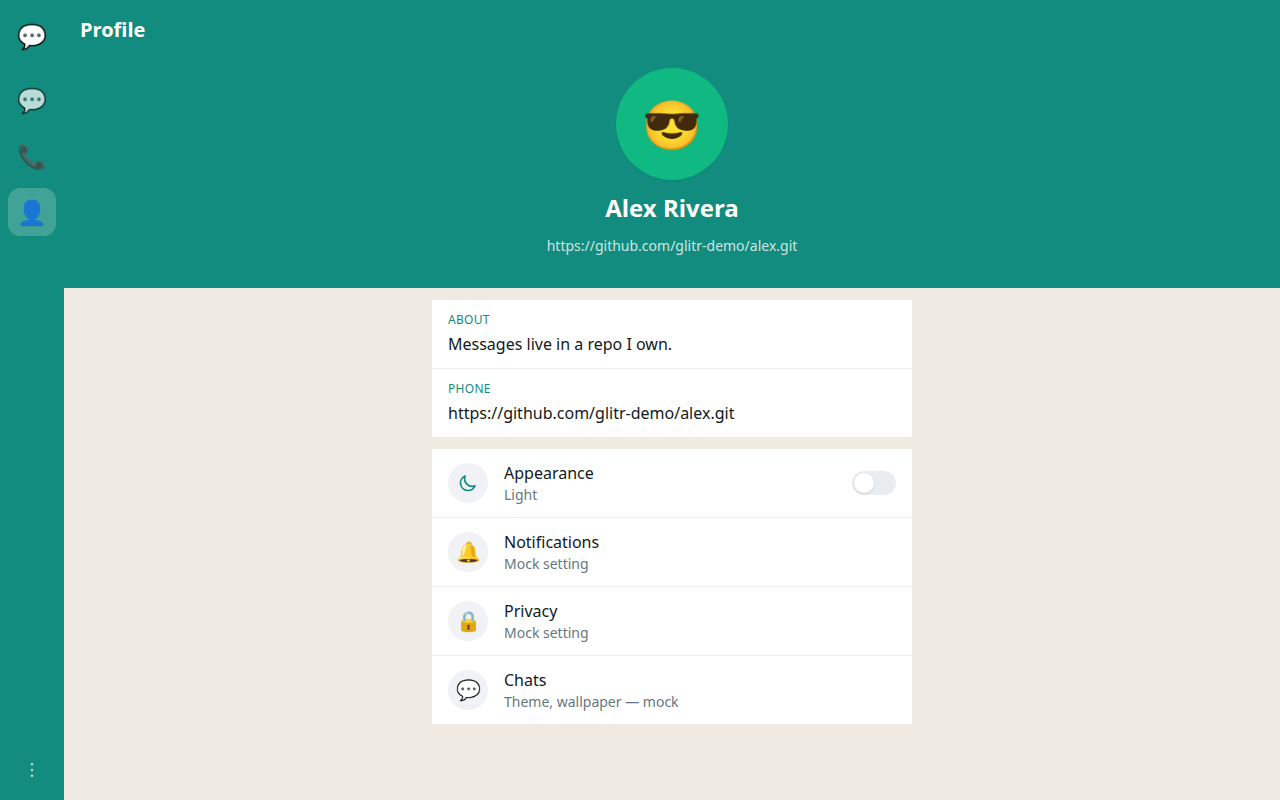
Treat that URL like a phone number. Anyone who can read a private repo (via a token you hand them, or because the repo is public) can see the coordination files and encrypted blobs. Prefer private repositories and tokens you mint for that relationship.
Add them by Git URL
- Open Contacts.
- Create a contact → Git URL.
- Name — whatever you want to see in the list. It is local to you.
- Peer git URL — their repository HTTPS URL, exactly. A typo here is the most common reason messages never arrive.
- Username / token — required if their repository is private. You need read access to their mailbox (fetch). You do not need write access to their repo. You write to yours.
Save. Glitr clones their repository (fetch-only) and looks for a public profile.
Verification and status (git contacts)
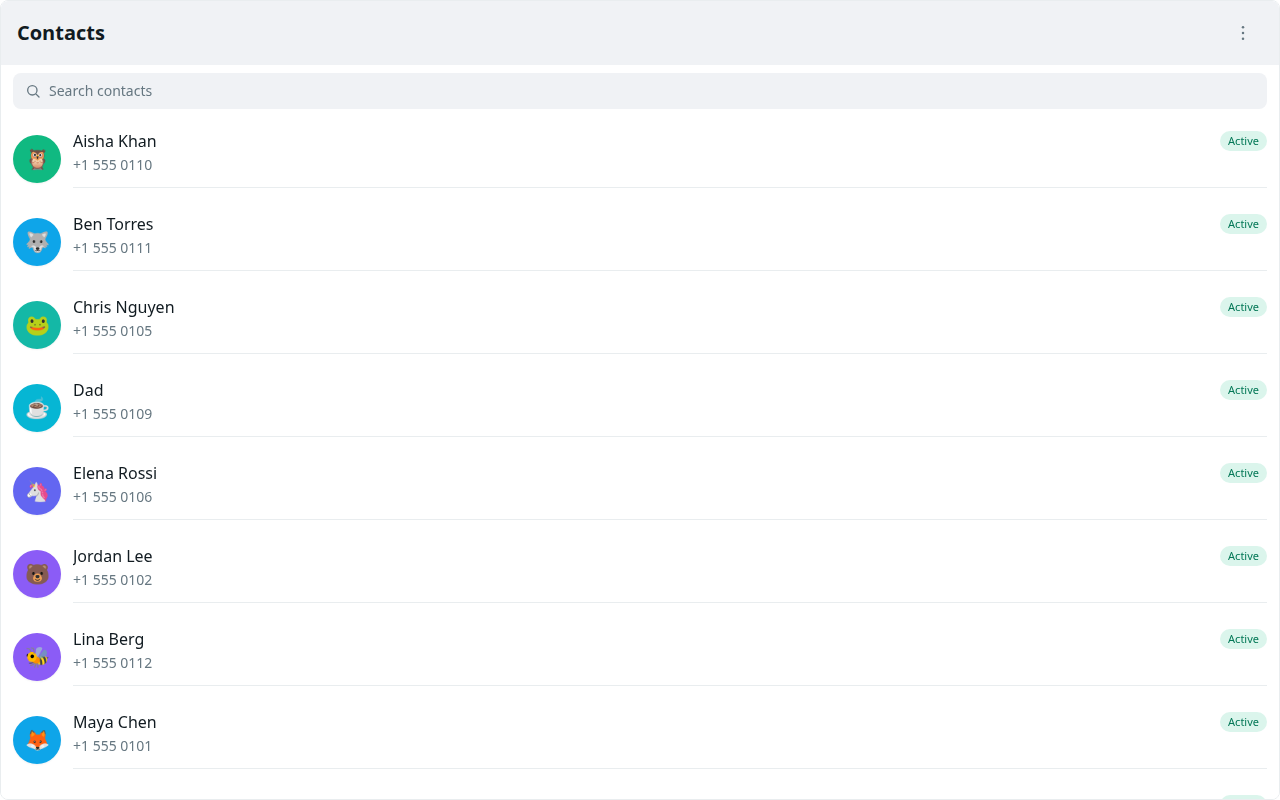
| Status | Meaning | Can you send? |
|---|---|---|
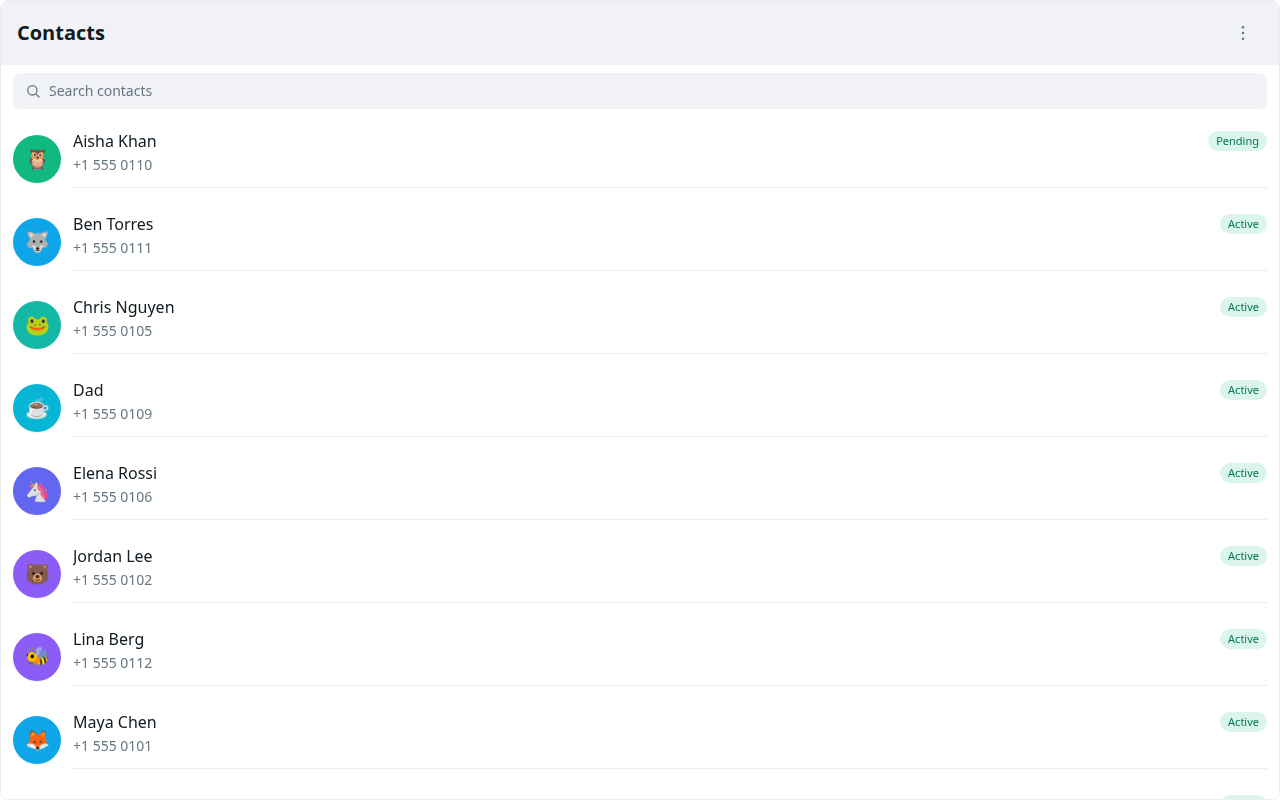
| Pending | No public profile yet, or verify has not succeeded | No |
| Unreachable | The clone or profile fetch failed | No |
| Active | Profile is in; git path is ready | Yes |
| Connecting | Live handshake started | Yes (still via git) |
| Live | Direct link is up | Yes (via the live link) |
Pending is normal for the first minute if they have not finished profile setup. Poll, or open the chat — both retry verify. Retry on the row is there if you do not want to wait.
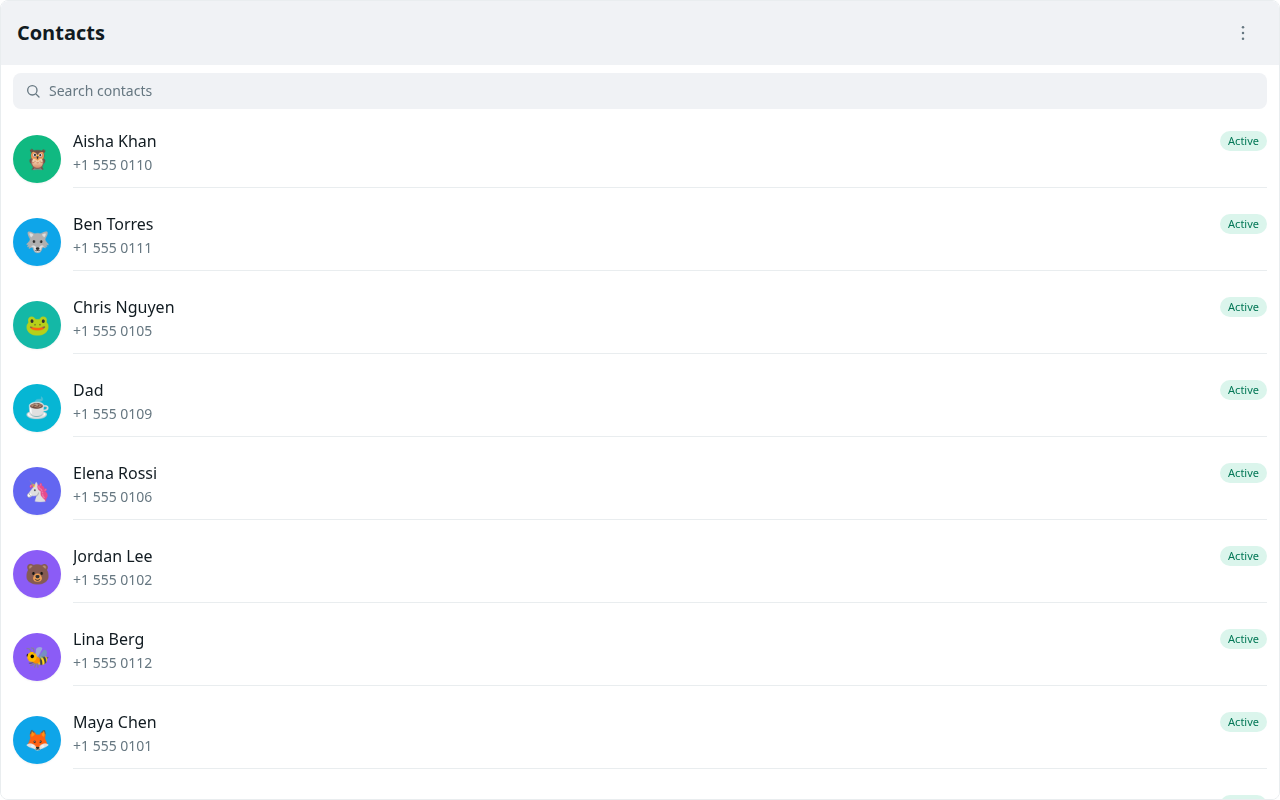
You must add them and they must add you. Glitr will not invent the reverse contact. If only one side is added, one mailbox fills and the other person never looks.
Pair-now contacts skip git verify. They go Live when the data channel opens. They have no git outbound if the link drops.
Private repositories
If their repo is private, they must give you a way to read it:
- Add your host account as a collaborator with read permission, then you use your token; or
- They mint a read-only token for that repo and you paste it on the contact.
Do not paste a write token for their mailbox into your contact form. You should not be able to push to their repo.
After they are Active
Open the chat from Contacts or Chats and send. If you keep both apps open, they may move to Connecting then Live on their own after a poll. You do not have to start that by hand. Pair-now Live is started by the QR / paste handshake instead.
Removing a contact
Removing them locally stops polling that clone (git contacts) or drops the live pairing entry. It does not erase history already in either repository. If you need a conversation gone, you treat it like any other git data: rewrite or delete with care, on both sides, and accept that clones and host backups may retain it.