Private messenger

Messages that live in a repo you own

Glitr is encrypted chat without a central chat server. You keep a git repository. Contacts keep theirs. When you are both online, conversation goes live. When you are not, git holds the mail.

  • No central chat server
  • Encrypted
  • Works offline
  • Live when you’re both here

Scroll to explore

Chat

A messenger you already know how to use

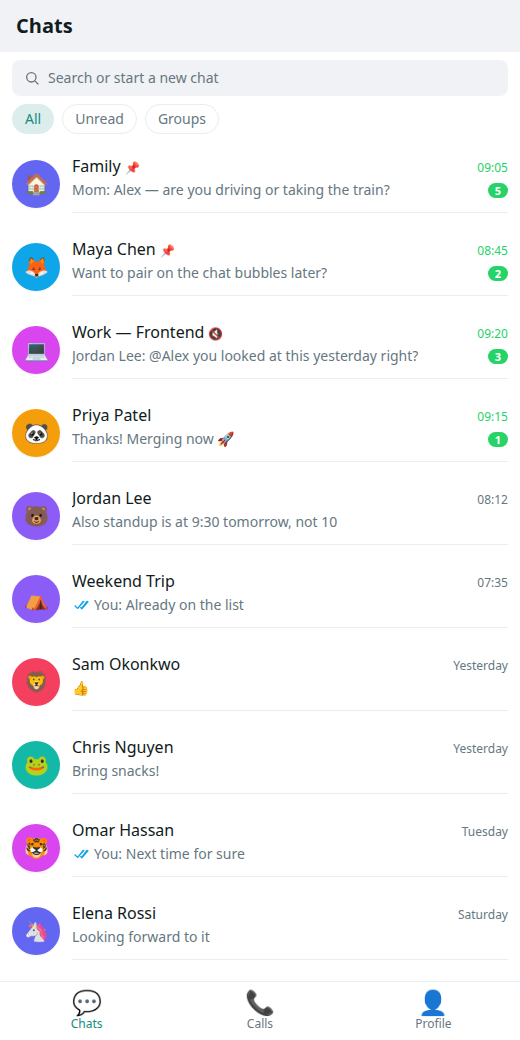
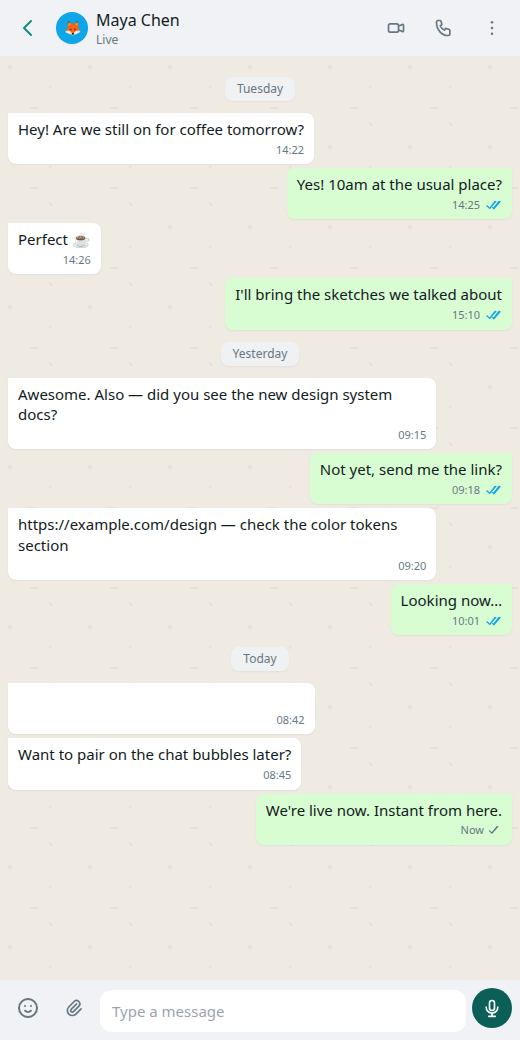
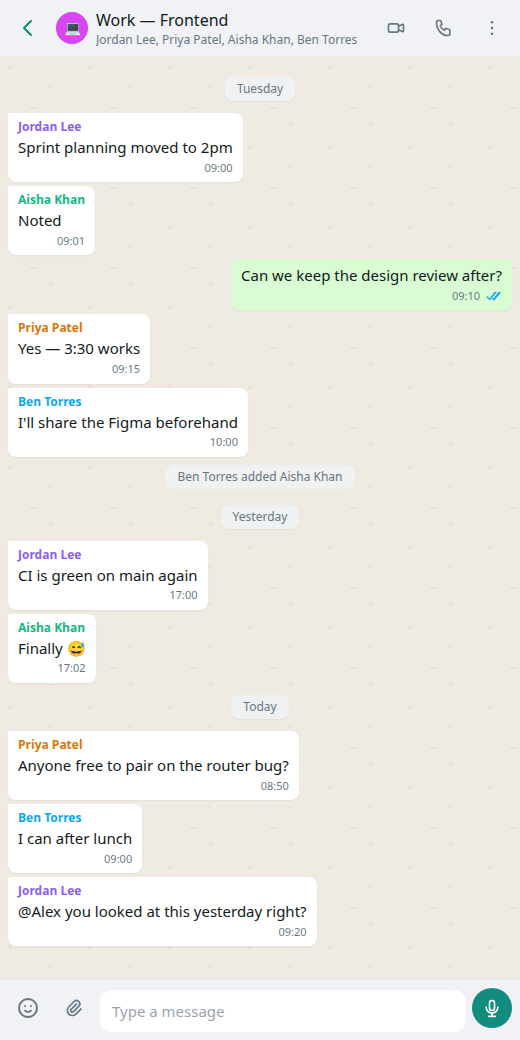
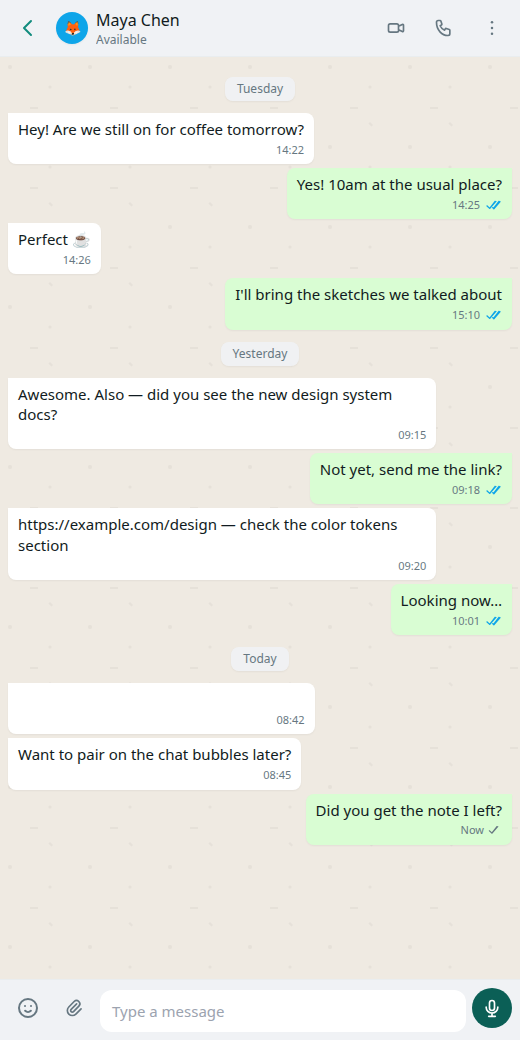
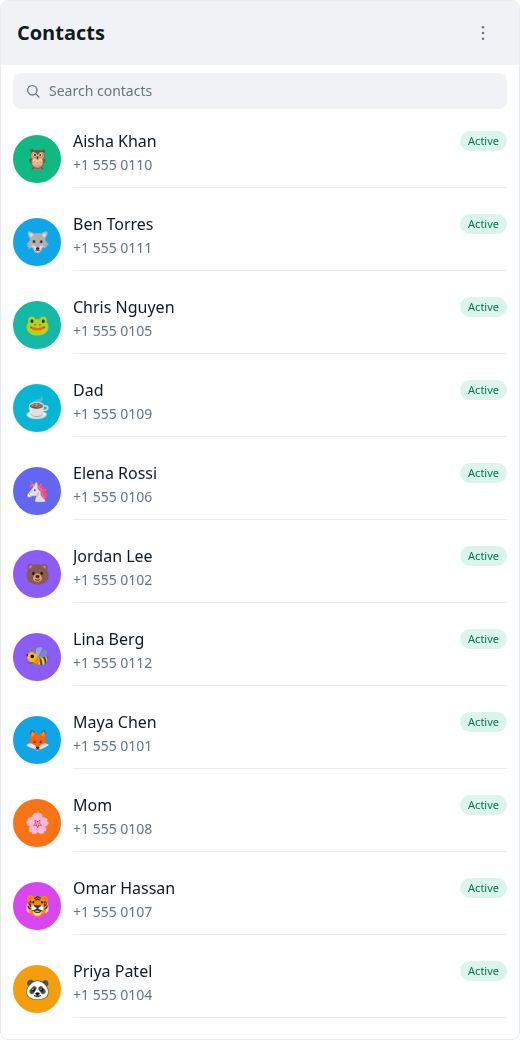
Chat lists, threads, delivery ticks, contacts, and a profile. Light and dark. Install it as an app on your phone or keep it in the browser. Desktop and mobile builds exist alongside the web app.

Your git is the cloud

You do not rent a mailbox from us

Each person brings a repository they control — GitHub, GitLab, Codeberg, or anywhere git speaks HTTPS. That repo stores encrypted conversation data. We do not host your chats. Your host keeps the bytes; encryption keeps the meaning.

Encryption

Sealed at rest. Handshake you can inspect.

An encryption password unlocks your local copy. Message payloads are sealed so a repository host is not reading the thread. The handshake builds on the Signal Protocol — the one piece we publish as open source — and a post-quantum path (ML-KEM and PQXDH) for a world of stronger computers.

Live vs offline

Direct when you can. Patient when you cannot.

Git brokers the handshake: each side publishes just enough for a live link. While that link is up, messages skip the mailbox and travel peer to peer. Close a laptop and the next send falls back to git so nothing depends on both of you staring at the screen.

Contacts

Add someone by sharing a repo URL

There is no Glitr ID directory. You copy the repository URL from Profile and they add it as a contact. You add theirs. Glitr fetches their public profile, then you can chat. Pending means they have not finished setup yet — it retries on its own.

  1. 01

    Open Glitr

    Install the app in your browser, or open it on the web. No account with us. You are not signing up for a chat company.

    Read the how-to →
  2. 02

    Connect your repository

    Point Glitr at a git repo you control. That repo is your mailbox, your backup, and the address people use to find you.

    Read the how-to →
  3. 03

    Share your repo URL

    A contact is someone whose repository you add. They add yours. No phone numbers. No usernames we issue.

    Read the how-to →
  4. 04

    Send. Live if you can.

    Messages land in git when someone is away. When you are both online, Glitr upgrades to a direct live link.

    Read the how-to →

What can a git host see?

They host encrypted blobs and a few plaintext coordination files (for example read receipts and the live handshake envelope). They cannot read your message bodies if encryption is in place. They can see that the repository is active. Use a host you trust for availability — not for privacy of content.

Why do I need an access token?

Glitr writes to your repository from the app. Hosts require a personal access token with permission to read and write contents. The token stays on your device. We do not operate a login server that stores it.

Why isn’t every message instant?

When the other person is offline, git is the mailbox: write, push, they fetch later. That is seconds, not milliseconds. When you are both online, Glitr opens a live link and messages travel directly. If that link drops, send falls back to git.

What is encrypted vs what a host can see · Terms and privacy

Your messages. Your repository.

Open Glitr, connect a repo you already control, and send.